Digital photo
editing, hands-on
Remote sessions where you actually work through edits — not just watch. Each seminar picks apart a specific technique so you walk away knowing exactly what to do next time.
See the program
What the seminars cover
Each topic is a standalone session — you can join one or build through a sequence.
RAW processing fundamentals
Working with exposure, white balance, and tone curves in Lightroom and Camera Raw — what the sliders actually do and when to reach for each one.
Colour grading in practice
HSL panels, split toning, and colour wheels. Sessions focus on achieving consistent looks rather than one-off accident results.
Retouching without overworking
Frequency separation, dodge and burn, skin texture — and crucially, how far is too far. Participants bring their own images.
Selections and masking
Subject selection, hair masking, luminosity masks. The session covers both automatic tools and when manual masks save time.
Output and export workflows
Sharpening for web vs. print, colour profiles, file size — the decisions that happen after the creative work is done.
Group critique format
One session per month where participants submit a finished edit and the group discusses decisions, alternatives, and results together.
How a session runs
Pre-session material
A short brief and sample files land in your inbox 48 hours before. You show up knowing the topic.
Live walkthrough
Instructor edits a real photo from scratch on-screen. Everyone watches the decision process, not a finished demo.
Hands-on segment
Participants work on the same file or their own. Screen-share requests are open — get direct feedback live.
Q&A and recording
Open discussion wraps up the session. Full recording goes out within 24 hours — no notes required.
Remote, but not passive
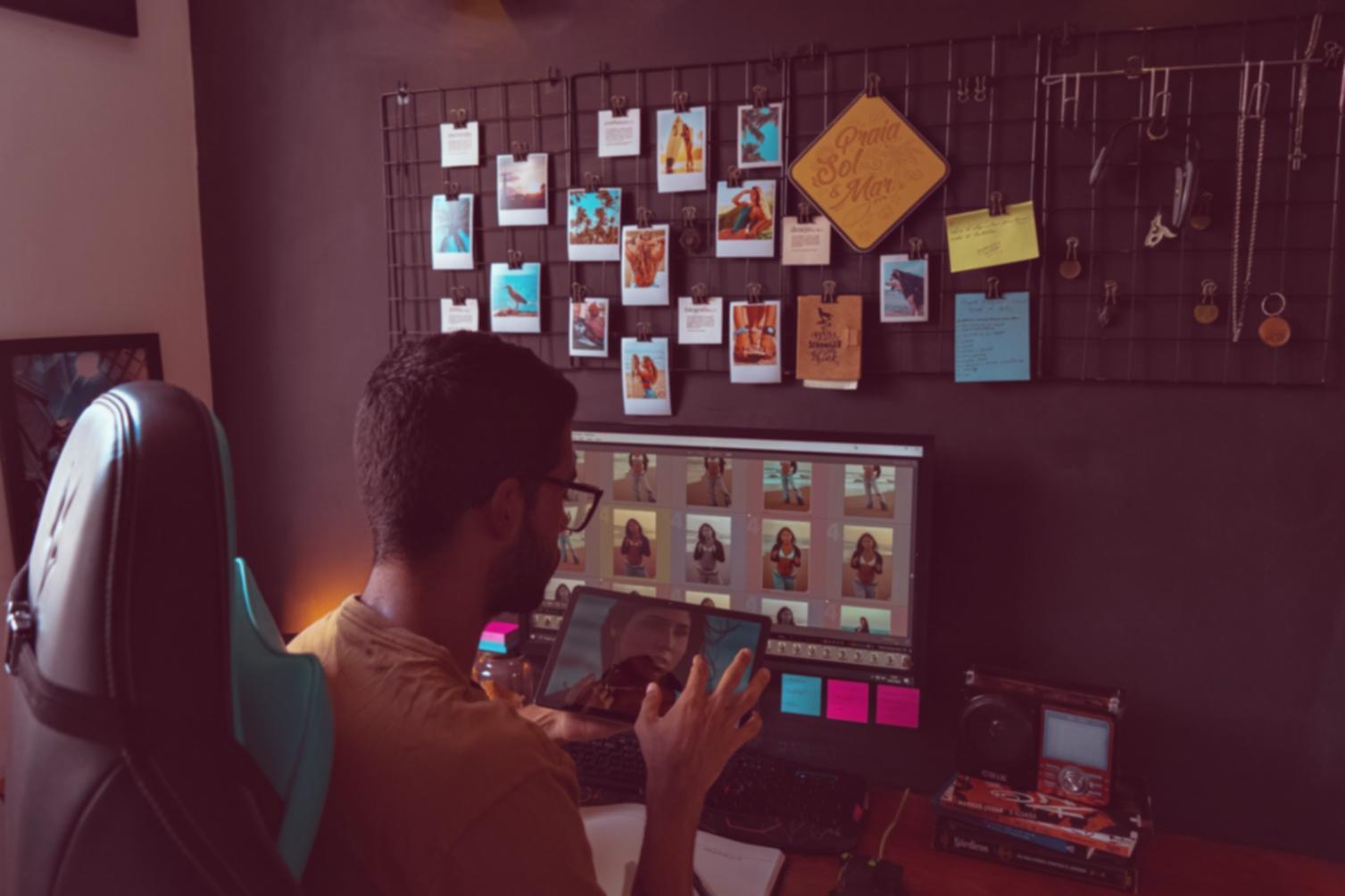
Video calls where you can actually share your screen, ask mid-edit questions, and get a response that addresses your specific file — not a generic answer.
Participants from across the country join the same session. Regional time zones are accounted for in the scheduling options.
What participants say
The masking session finally made hair selection click for me. I'd been fighting it in Photoshop for months. Watching the decision-making live was the difference.
Odette Faucher
Freelance photographer, Montréal
I appreciated that they didn't avoid the messy parts — when something wasn't working on-screen, we saw how to troubleshoot it rather than a clean scripted demo.
Bryn Llewelyn
Photography student, Vancouver
Colour grading felt like guesswork before. The HSL breakdown session gave me a system I actually use now. Small group size meant I could ask specific questions.
Takeshi Morimura
Portrait retoucher, Toronto
Student work
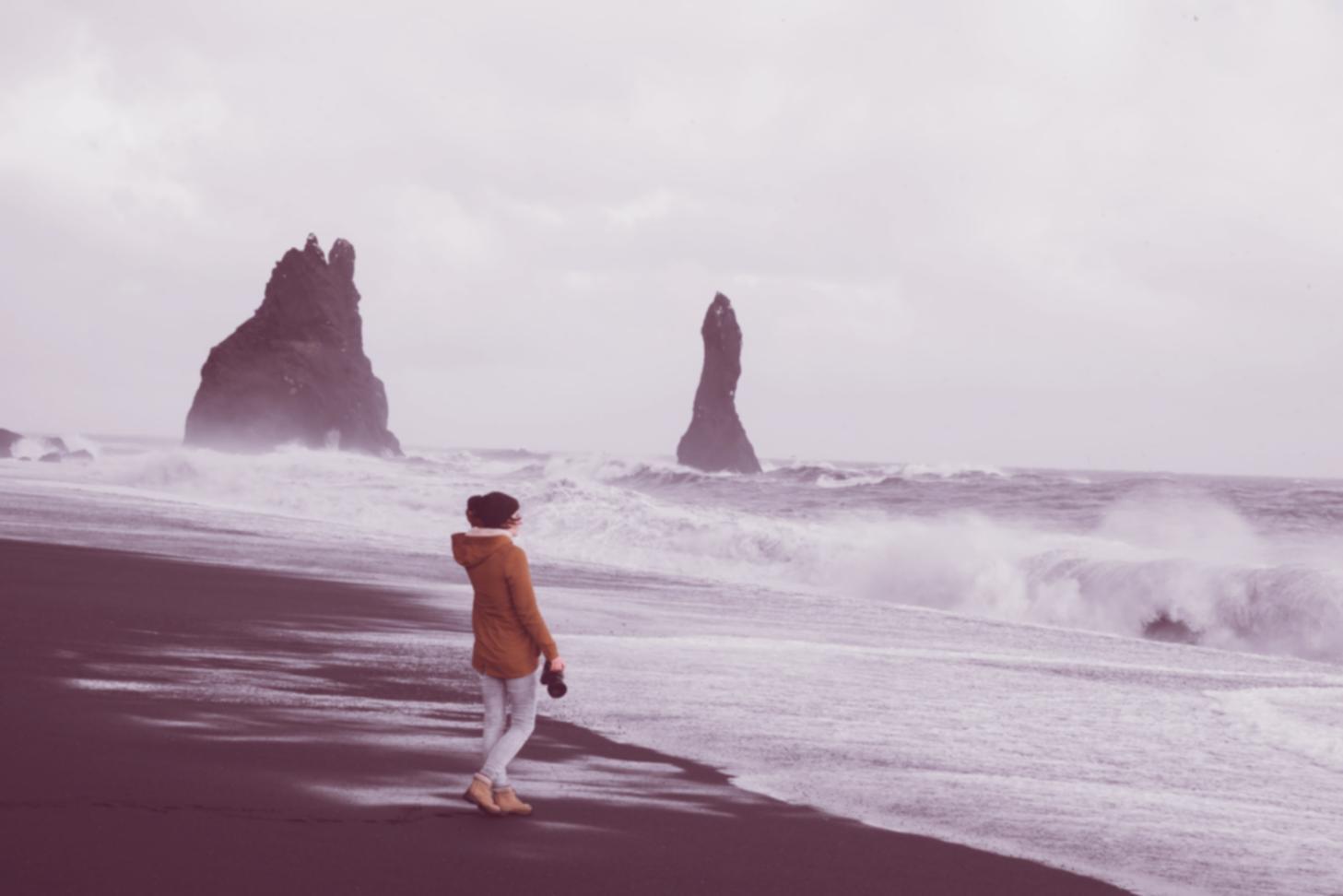
Edits submitted during seminar sessions. See what participants produce during and after the hands-on segments.
View projectsAbout Nexapulse
Running photo editing seminars since 2014. Small sessions, specific topics, instructors who edit professionally.
About usEmail: help@nexapulse.sbs
Phone: +1 450 374 9088
Location: Sherbrooke, QC
Questions before signing up?
Ask about scheduling, skill level fit, or what software you'll need. A real reply comes within one business day.